> For the complete documentation index, see [llms.txt](https://www.osdcloud.com/llms.txt). Markdown versions of documentation pages are available by appending `.md` to page URLs; this page is available as [Markdown](https://www.osdcloud.com/osdcloud-v1/osdcloud/setup/osdcloud-winpe/startup.md).
# Startup
OSD 23.5.22.1+ Updated May 22, 2023
{% hint style="warning" %}
**Every time you run Edit-OSDCloudWinPE, even to add Drivers or change the Wallpaper, the WinPE Startup will reset to the Default**
{% endhint %}
## Default
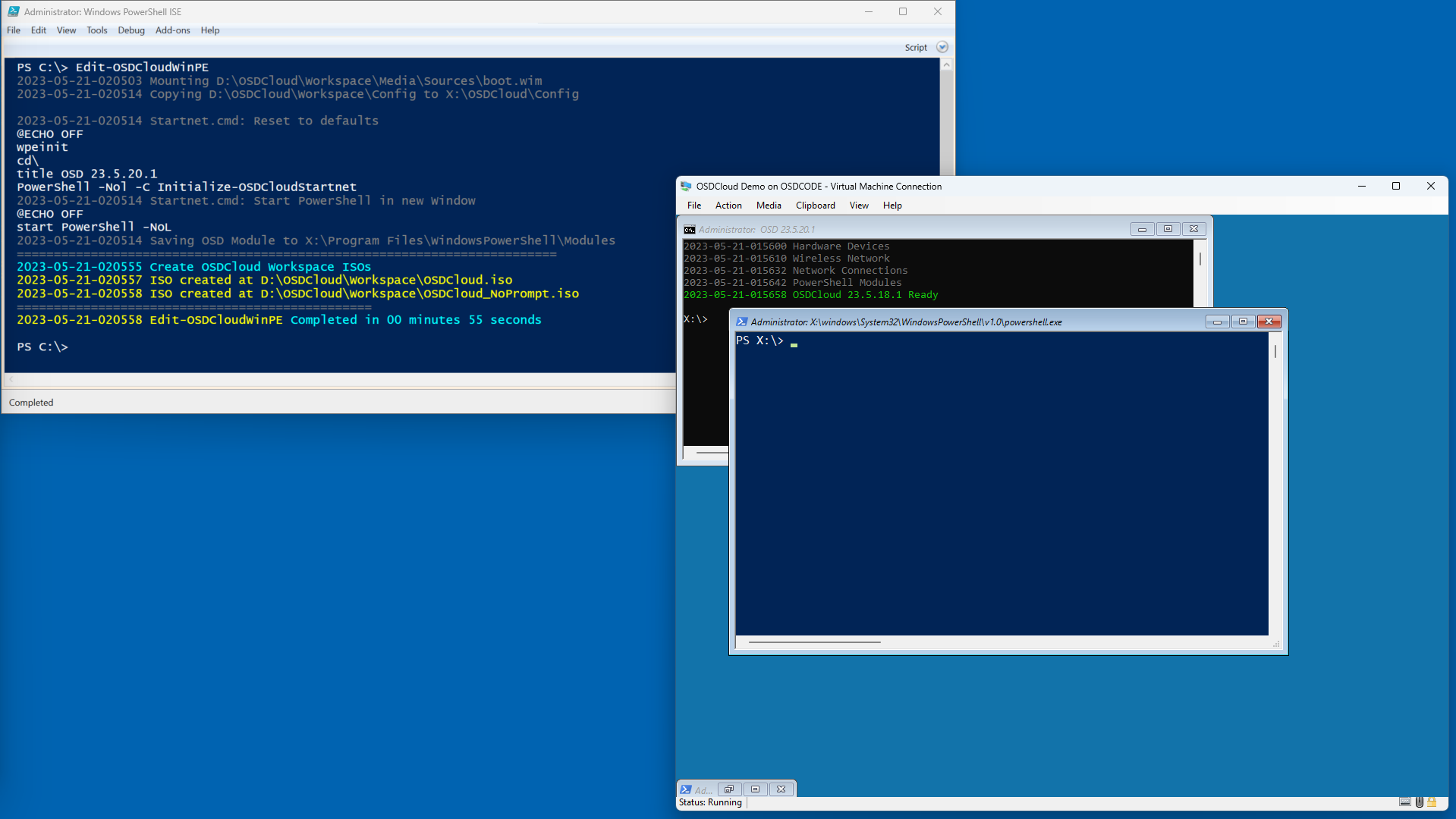
The default for WinPE Startup is to open a PowerShell window. This is the method I prefer as it gives me the flexibility to do anything I want, rather than to be locked into something specific.
```powershell
Edit-OSDCloudWinPE
```
### WinPE Startnet.cmd
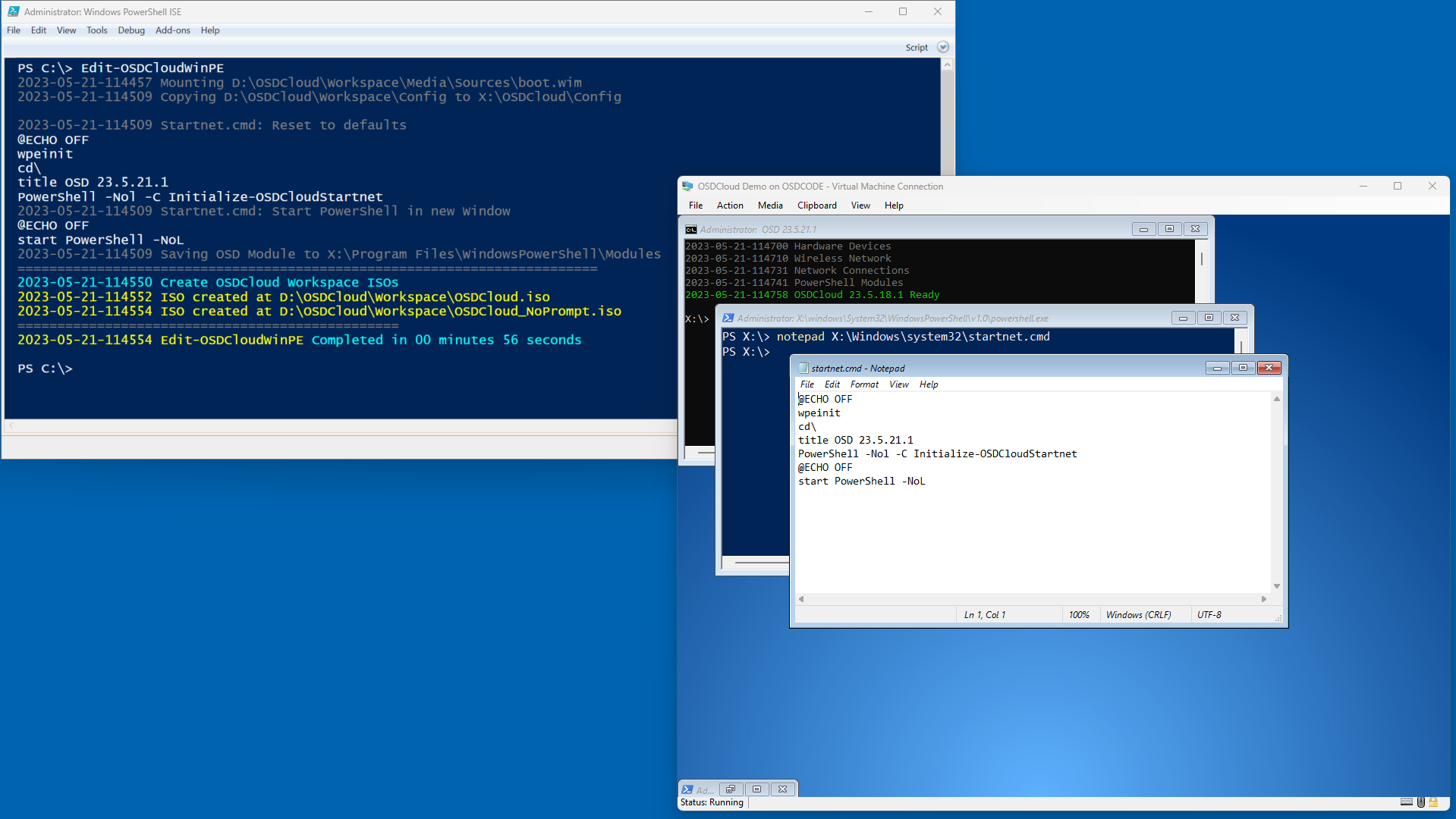
This is the Startnet.cmd when using the Default WinPE Startup configuration. This is what is edited when you make one of the changes below
```batch
@ECHO OFF
wpeinit
cd\
title OSD 23.5.21.1
PowerShell -Nol -C Initialize-OSDCloudStartnet
@ECHO OFF
start PowerShell -NoL
```
## WinPE Startup Options
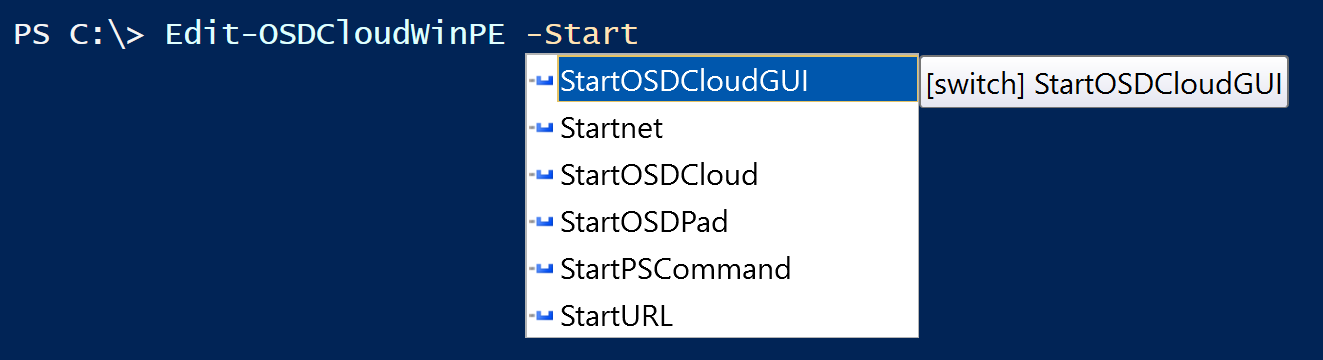
These are the available WinPE Start options that you can configure
## StartOSDCloudGUI
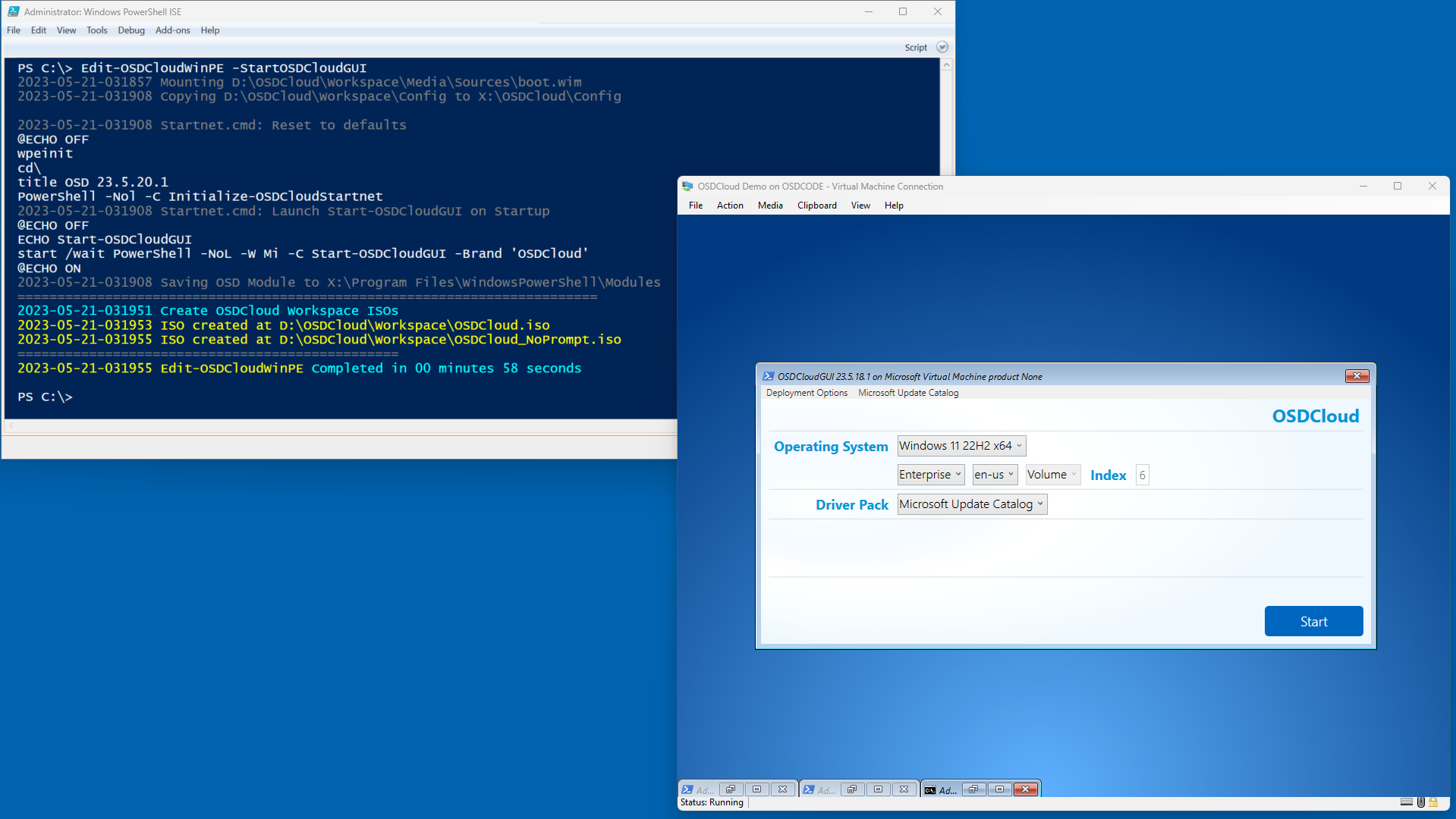
This parameter will automatically launch **`Start-OSDCloudGUI`**
```powershell
Edit-OSDCloudWinPE -StartOSDCloudGUI
```
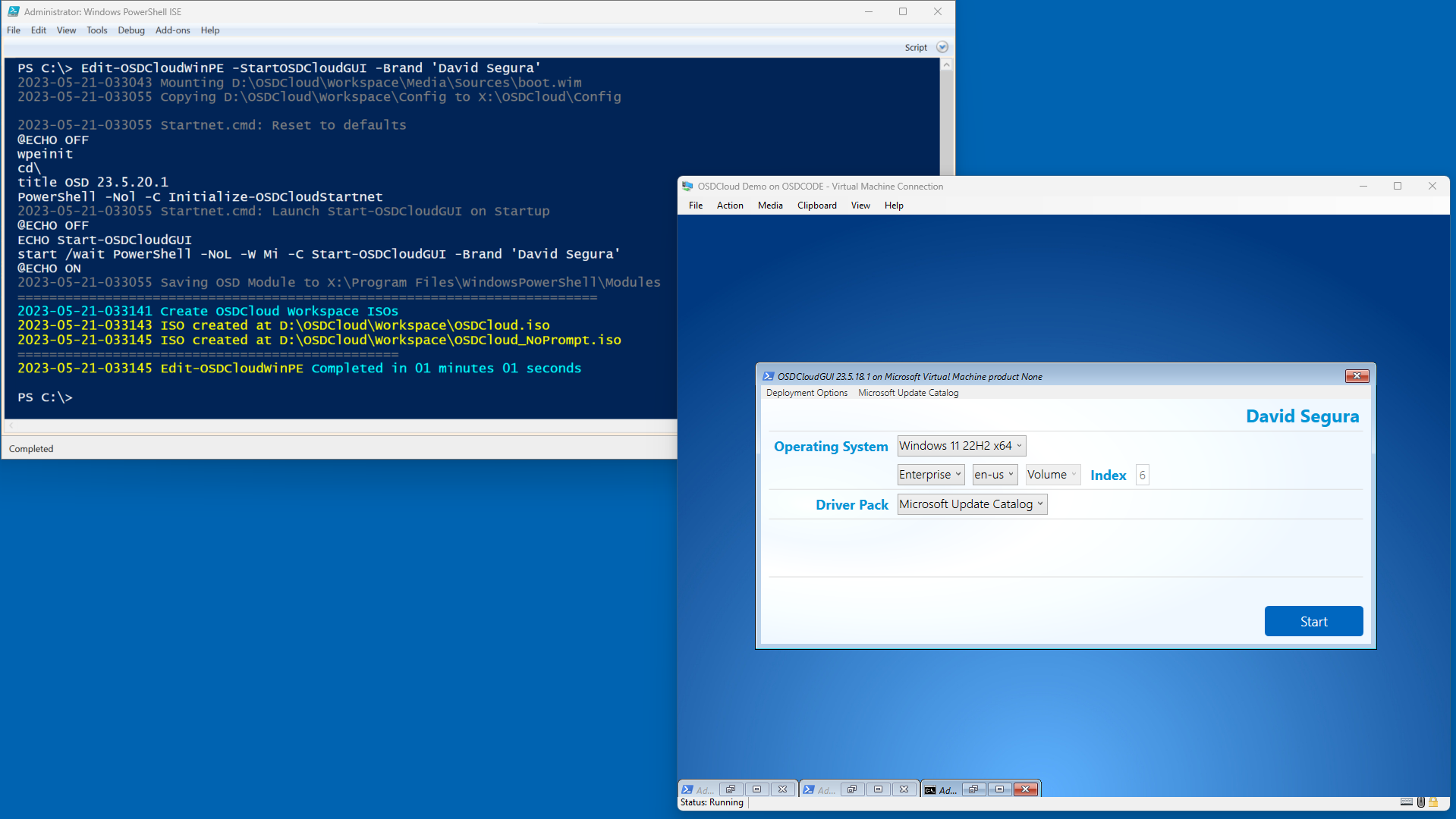
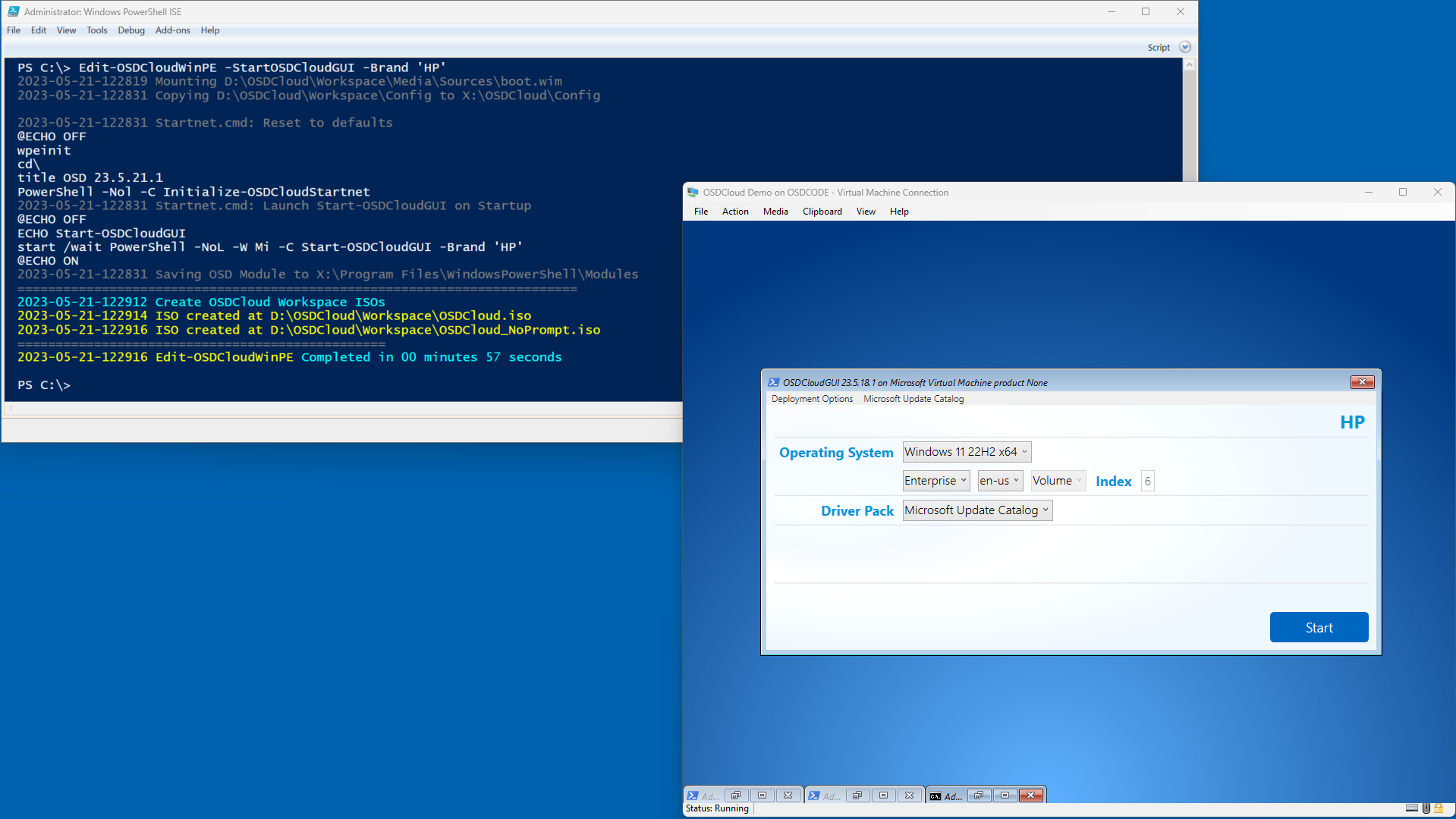
## StartOSDCloudGUI -Brand
If you don't want OSDCloud displayed on the OSDCloud GUI, give it your own brand
```powershell
Edit-OSDCloudWinPE -StartOSDCloudGUI -Brand 'David Segura'
```
```powershell
Edit-OSDCloudWinPE -StartOSDCloudGUI -Brand 'HP'
```
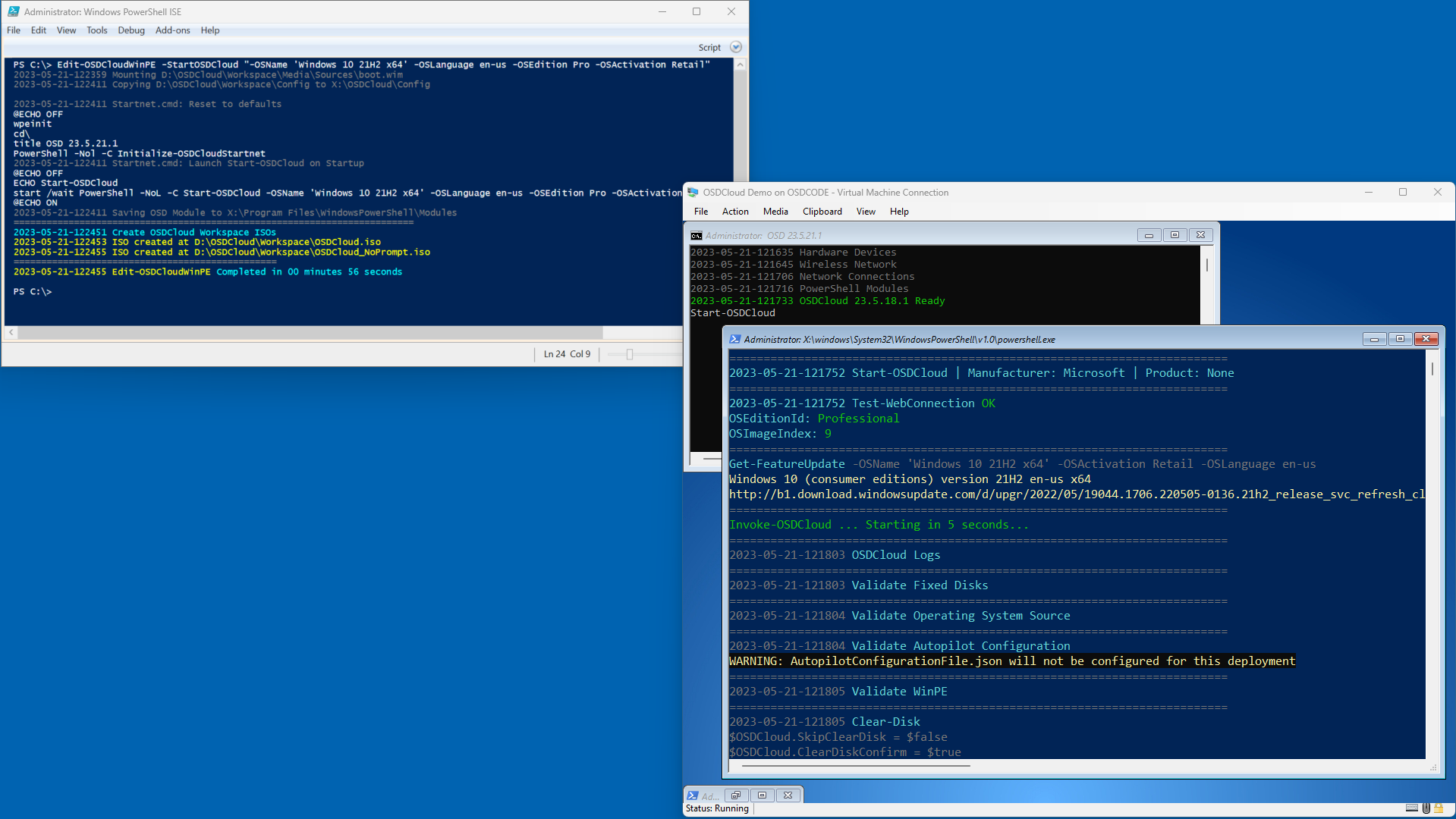
## StartOSDCloud
Yes, WinPE can start OSDCloud (CLI) automatically using this parameter. The value for this parameter need to be the parameters for Start-OSDCloud (CLI). Here's an example:
{% code overflow="wrap" lineNumbers="true" fullWidth="false" %}
```powershell
Edit-OSDCloudWinPE -StartOSDCloud "-OSName 'Windows 10 21H2 x64' -OSLanguage en-us -OSEdition Pro -OSActivation Retail"
```
{% endcode %}
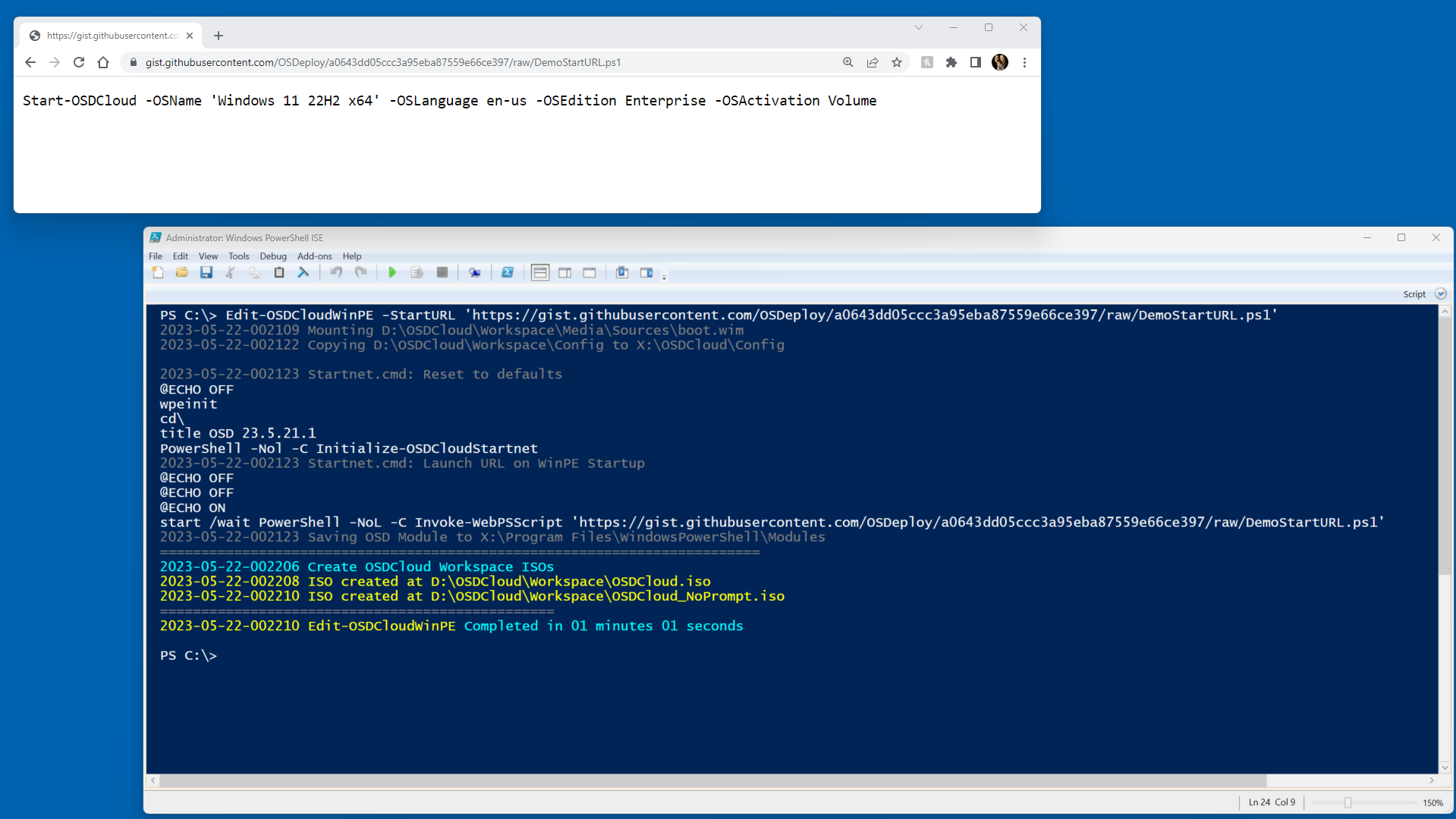
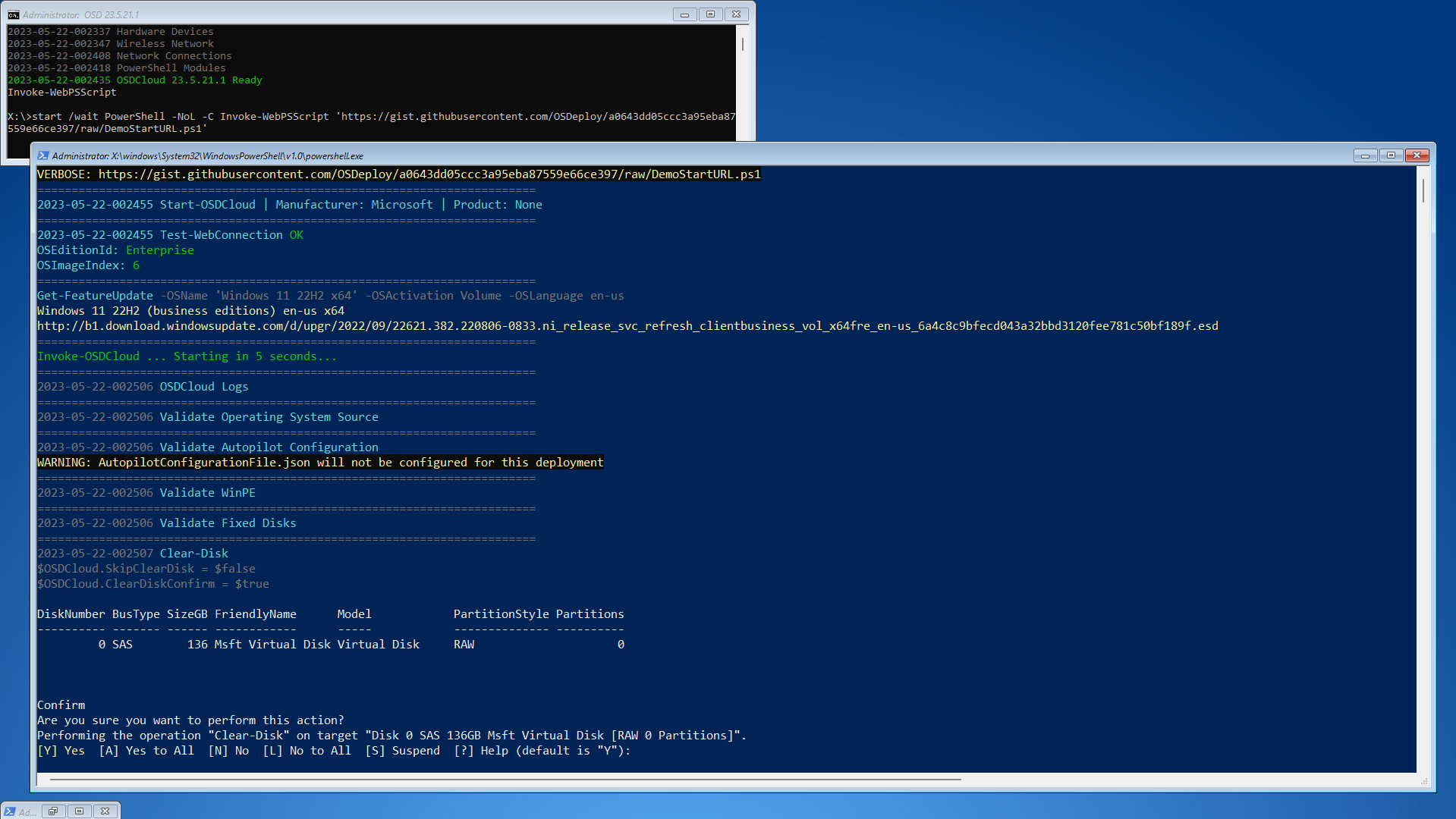
## StartURL
Here is a cool example of putting your Command Line into a GitHub Gist
{% embed url="" %}
Then use the 'view raw' URL as the value for **`StartURL`**. This is great way to customize the launch of your WinPE, or make some last minute changes.
## StartOSDPad
{% hint style="info" %}
Example coming soon
{% endhint %}
## StartPSCommand
{% hint style="info" %}
Example coming soon
{% endhint %}
## Startnet
{% hint style="info" %}
Example coming soon
{% endhint %}
---
# Agent Instructions
This documentation is published with GitBook. GitBook is the documentation platform designed so that both humans and AI agents can read, navigate, and reason over technical content effectively. Learn more at gitbook.com.
## Querying This Documentation
If you need additional information that is not directly available in this page, you can query the documentation dynamically by asking a question.
Perform an HTTP GET request on the current page URL with the `ask` query parameter, and the optional `goal` query parameter:
```
GET https://www.osdcloud.com/osdcloud-v1/osdcloud/setup/osdcloud-winpe/startup.md?ask=&goal=
```
`ask` is the immediate question: it should be specific, self-contained, and written in natural language.
`goal` is optional and describes the broader end goal you are ultimately trying to accomplish on behalf of the user. GitBook uses it to tailor the answer towards what is most useful for that goal.
The response will contain a direct answer to the question and relevant excerpts and sources from the documentation.
Use this mechanism when the answer is not explicitly present in the current page, you need clarification or additional context, or you want to retrieve related documentation sections.